Tilt control and marble maze tips
For steadier runs in WristMaze on Apple Watch, hold your wrist comfortably, plan while the clock waits and ease your tilt before corners. If you are new to the rules and controls, start with how to play; the tips below build on them.
Start with a comfortable hold
When you start a run with your arm held at an awkward angle, small tilts quickly tire your wrist. Hold your wrist the way that feels natural before you tap Go so the game takes that angle as flat. If you change posture mid-run and your tilt control feels off-centre, double-tap the screen to recalibrate on the spot. On longer levels, resting your elbow on a table or armrest helps keep your hand steady, though you still need to recalibrate if you shift position.
Plan before a narrow stretch
On boards with branching corridors or long sequences of holes, rolling blind into the next turn makes it easy to overshoot. Before entering a narrow stretch, rest the ball against a safe wall and turn the Digital Crown to zoom out. The game and the clock wait while you inspect the board and locate the ring around your next hole. Turn the Crown back or tap to resume play. Planning shows you the route, though you still have to carry the speed cleanly once play resumes.

Brake before corners and holes
Because the steel ball has weight and momentum, a long tilt builds speed fast. To brake before a tight corner or a hole along your path, ease your wrist back towards flat (or tilt slightly the other way) before the ball reaches the turn. Using a wall to stop the ball works at low speed, but a hard hit knocks the ball back and can bounce it towards a hole rim.


React at the rim
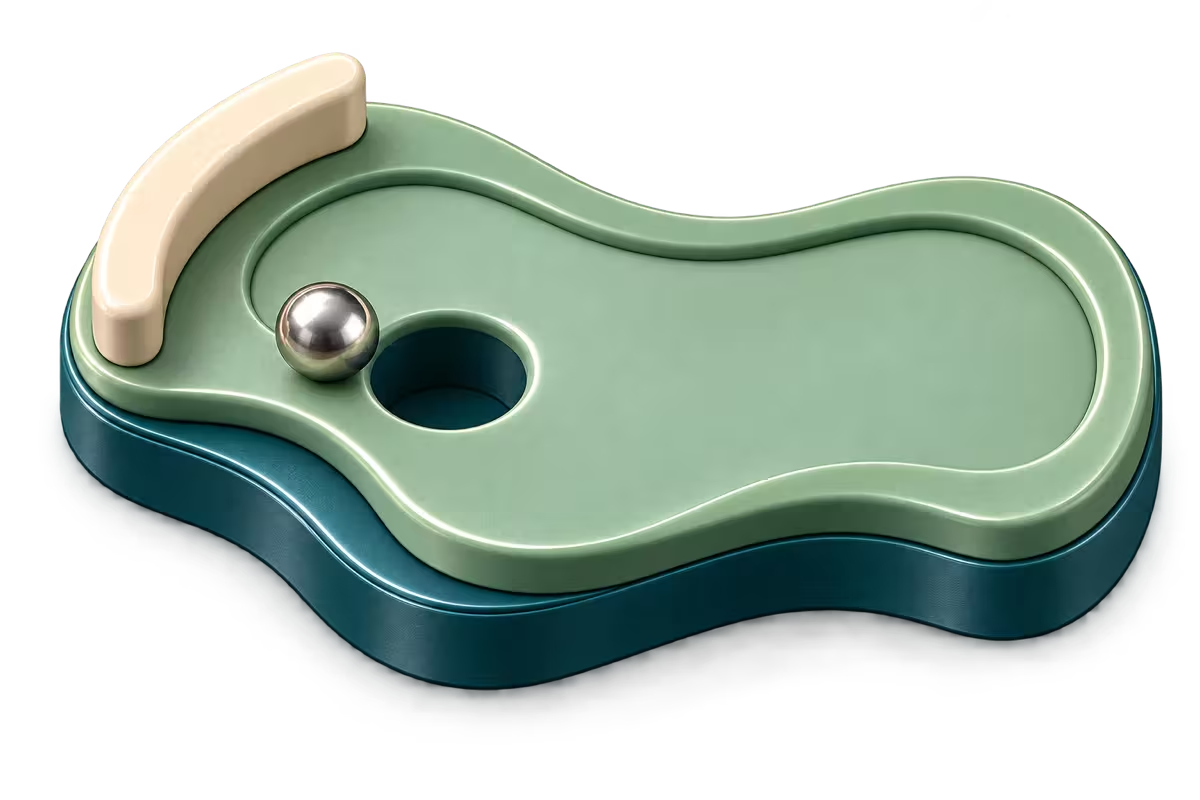
Brush too close to a hole and the curved rim pulls the ball inward. The open edge of a narrow plank over a drop pulls at the ball the same way. When you see or feel the ball teeter on a rim or a plank’s edge, a tilt away can sometimes pull it back onto flat wood. If the ball is already carrying too much speed into the hole, no tilt will save it and it will drop anyway.

The steel ball teeters on the rim of a hole and a tilt away pulls it back onto the board
Choose a checkpoint or a clean restart
After a fall past one of a level’s checkpoints, choose where to resume. Back to checkpoint keeps your progress for a small penalty added to your time, set per level. Back to start adds no penalty, but you must pass the earlier holes again. Your elapsed time stays either way. A run with a fall can no longer earn the level’s marble. Restart level gives a clean try, from the menu or, while the marble is still to earn, from the fall choice.
Choose a play zoom
When you want more look-ahead room on fast boards or a closer view for tight holes, adjust the play zoom. Open Settings › Play zoom and choose Close, Medium or Far to set how close the camera follows the ball. Close makes subtle rim movement easy to read. Far shows more of the surrounding walls and holes at a smaller scale. Whichever play zoom you pick, turning the Crown still zooms all the way out to the whole board.


Review the full rules in how to play or browse the chapters and marbles.