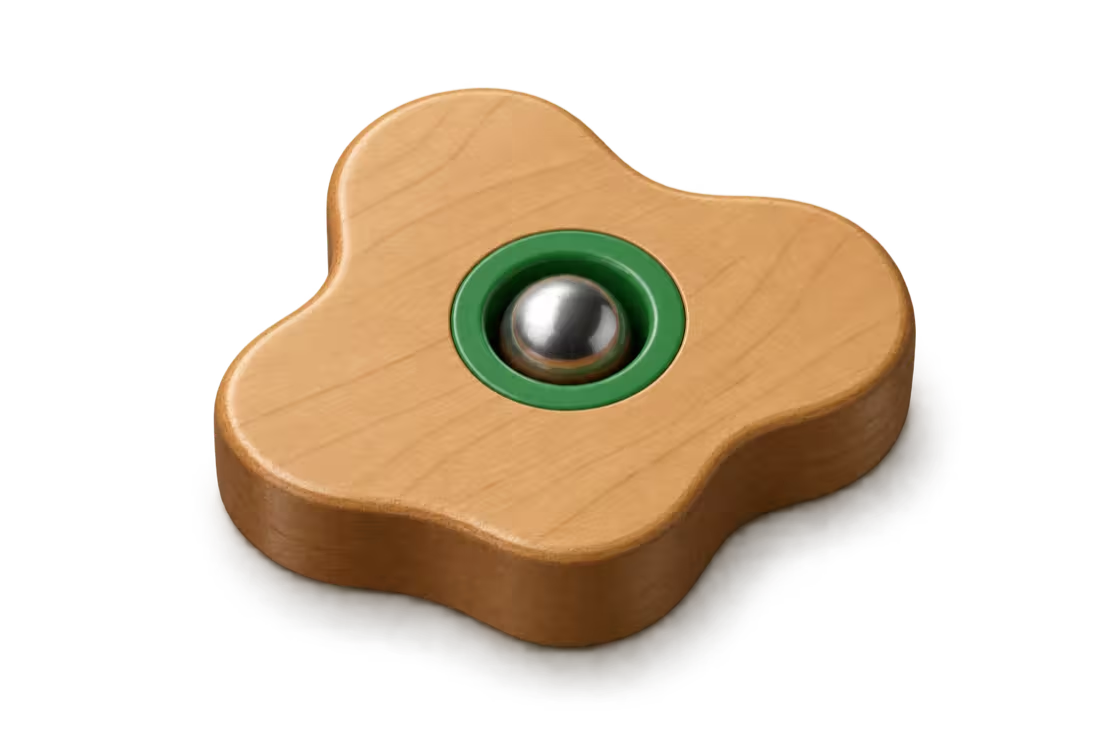
How to play on Apple Watch
To play WristMaze, pick a level, hold your wrist comfortably and tap Go to set that hold as flat. Tilt to roll the steel ball along the dashed route past the numbered holes in order and drop into the goal.
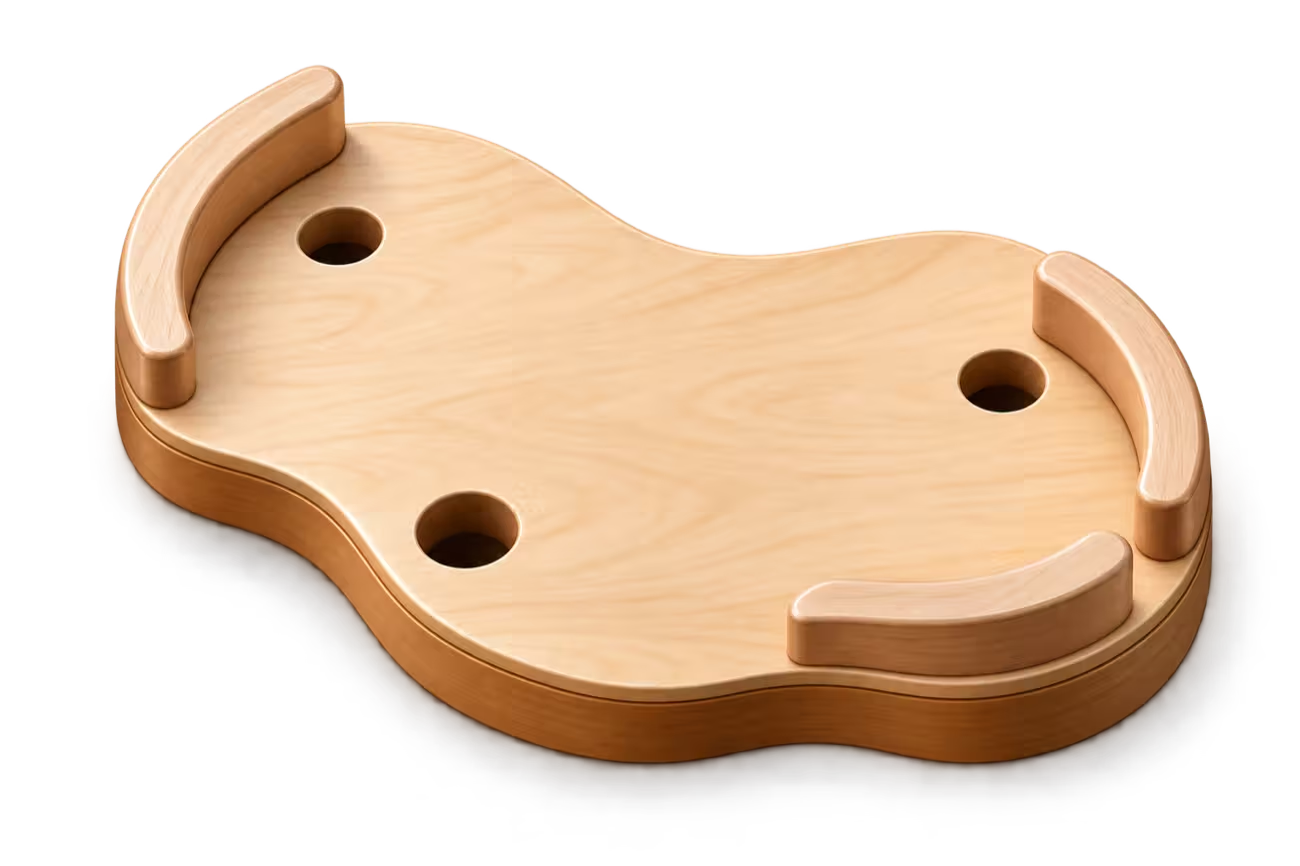

Before you start
All you need is WristMaze on your Apple Watch. Levels 1–3 are free, and the full version unlocks every other level, checkpoints and looks. Begin with level 1 from the level list, or tap the top row of the level list to return to a saved run. To change how close the camera follows the ball, open Settings › Play zoom and pick Close, Medium or Far.
Hold, calibrate and roll
- Choose a level. Pick any open board from the level list. Locked levels are marked Full version.
- Hold your wrist comfortably and tap Go. Rest your arm the way you want to play and tap Go. WristMaze takes that hold as flat, so you never have to hold your wrist level with the floor.
- Tilt to roll past the holes in order. Follow the dashed route past the numbered holes in order. The steel ball has weight and momentum: it picks up speed, knocks against walls and can teeter on a hole’s rim.
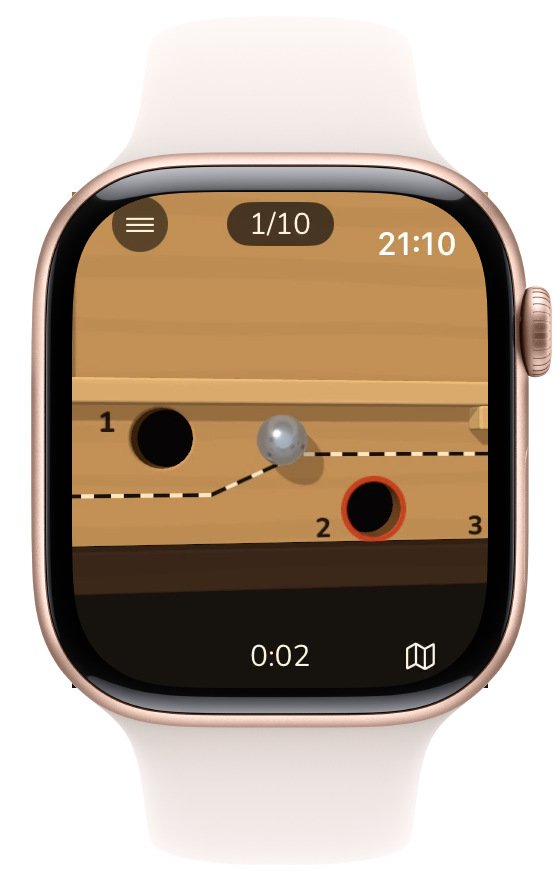
Level 1 · Free - Double-tap the screen to recalibrate. Double-tap the screen at any moment to set your new wrist position as flat if you shift your posture during a run.
- Turn the Digital Crown to plan. Turn the Crown to zoom out and see the board while the game and the clock wait. Turn back or tap to play on. See Plan with the Digital Crown below.
- Drop into the goal. Roll into the final numbered hole to finish the run. The Level complete screen shows your time to the hundredth of a second and your total attempts.

Lower your wrist or get a notification and the game pauses with the ball held right where it was. Tap Resume to see a brief live tilt arrow before play continues. The pause menu also offers Recalibrate, Back to checkpoint, Restart level, Settings and Main menu. When you leave to the main menu, your run is saved.
Plan with the Digital Crown
Whenever the path ahead twists out of view, turn the Crown to open the planning view. Zoom out as far as the whole board and find the ring that marks your next hole along the dashed route. Both the ball and the clock wait while you look, so planning never adds to your time. Turn the Crown back in or tap the screen to return to your run.

Turn the Digital Crown
Falls and checkpoints
A fall means the ball drops into a hole or rolls off a narrow plank. It never resets the clock. Each return adds an attempt.
Levels 1–3 have 10 holes and no checkpoint. Longer levels have checkpoints after holes 10, 20, 30 and so on (full version).
Without a checkpoint, a fall returns you to the start. After you pass a checkpoint, a fall gives you a choice:
- Back to checkpoint resumes there for a small time penalty: a few seconds, set per level.
- Back to start returns to the beginning without penalty. It keeps the run, which can no longer earn the marble.
- Restart level appears only while the level’s marble is still to earn. It starts a fresh try from the start, at attempt 1. That run can earn the marble. Time so far is lost.
From the menu, pick Restart level and confirm for a fresh try.


Your time and the leaderboards
The clock counts only active play. It stops while you zoom out to plan, during a fall, inside menus and whenever the game is paused. When you drop into the goal, your result is your active play time plus any time penalties from using checkpoints, measured to the hundredth of a second, alongside your attempts. Pausing a run by lowering your wrist or opening the menu never disqualifies your time.
Every level has its own Game Center leaderboard, grouped by chapter, showing your best time and attempts. Game Center is optional: you can play every level without signing in. To see leaderboards and post your times, sign in to Game Center with a connection. If a finish cannot be sent right away, the game sends it automatically after your next completed run.

Where to go next
Explore the chapters, levels and marbles to see what lies ahead or read the playing tips for steadier runs.